
Settings sheet
Each matched setting with its in-game value. Keep it open next to the character creator and copy the values across.
Chart the settled systems as you.
Each matched setting with its in-game value. Keep it open next to the character creator and copy the values across.
A preset file you drop into the game folder. The face loads in one click, so you can skip the sliders.
Left is the photo I uploaded, right is a screenshot from the game after I entered the settings from that match. I set hair, skin and eye color by hand, and the screenshots aren't retouched. The photos are AI-generated.
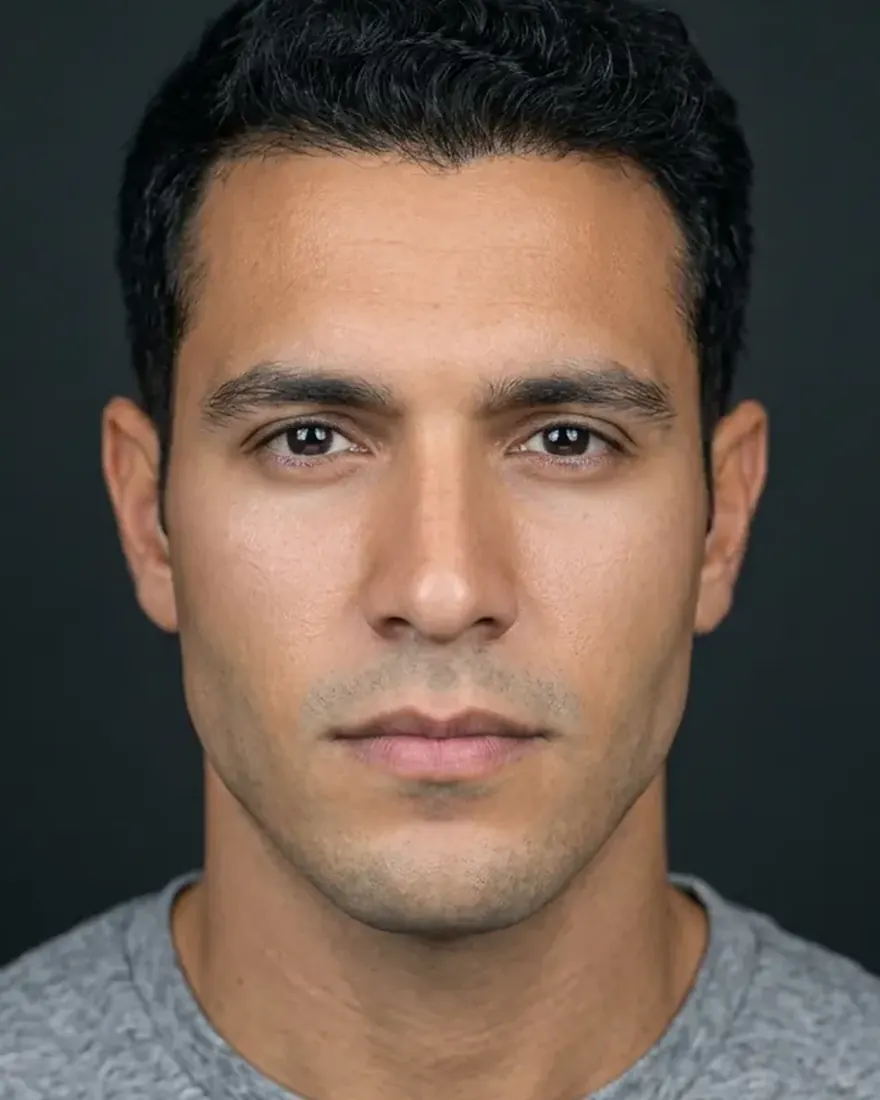 Photo
Photo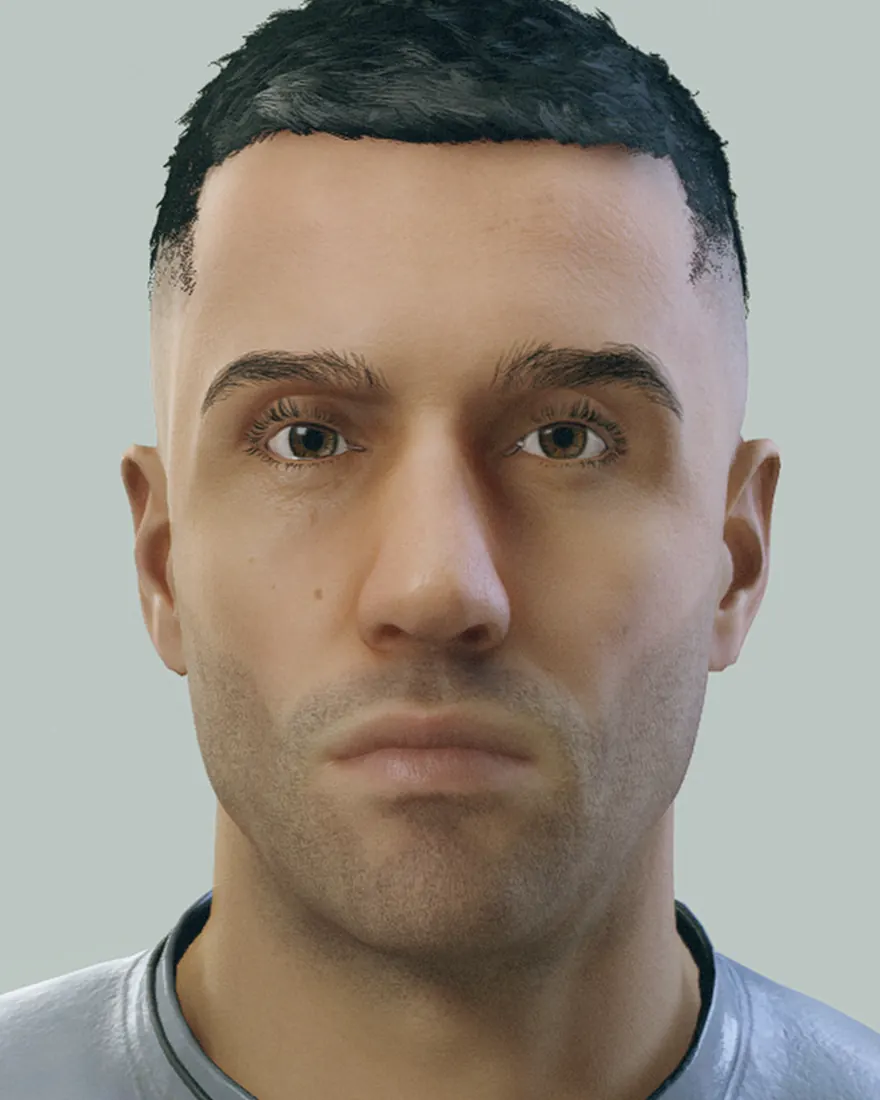 In game
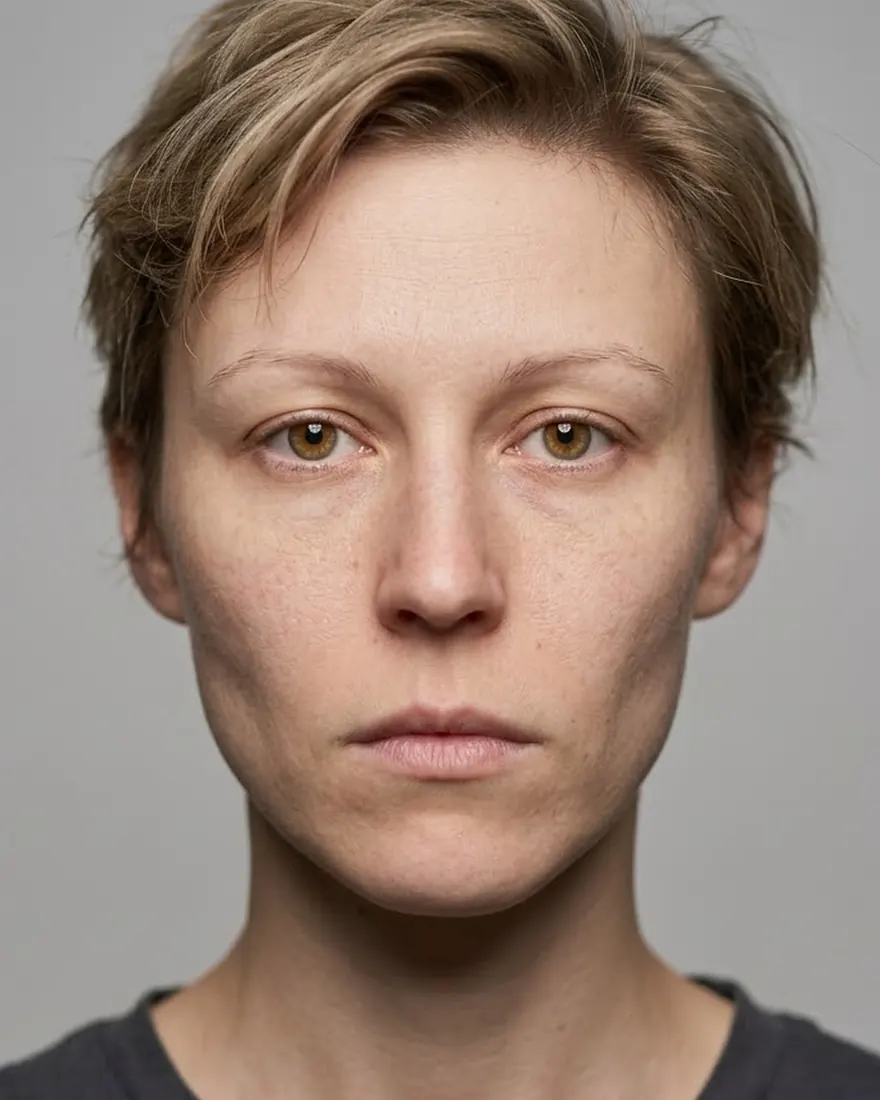 Photo
Photo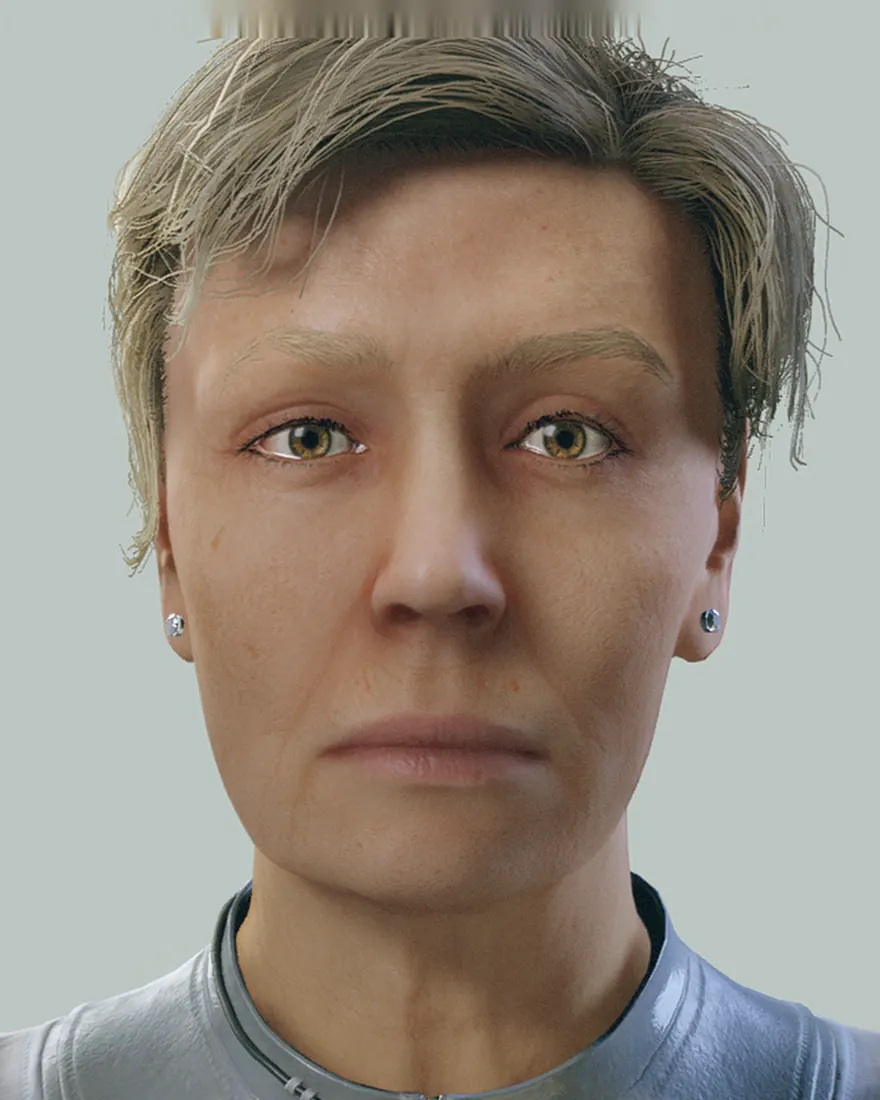 In game
Share of held-out test faces where all four base choices (personnel record, eyes, eyebrows, nose) came out exactly right. The fine sculpt sliders are scored differently and aren't included.
Character creation at the start of the game, or later at any Enhance! Clinic.
personnel record, eyes, eyebrows and nose, plus the fine sculpt sliders for eyes, brows, forehead, nose, cheeks and mouth